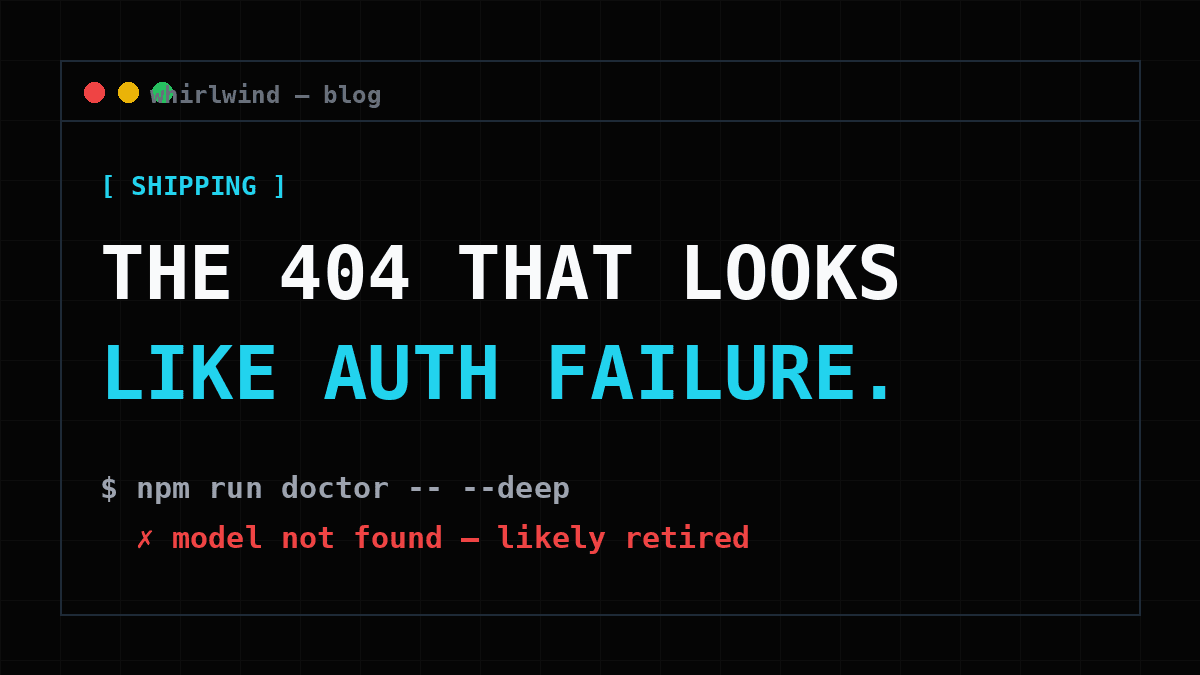
The 404 That Looks Like an Auth Failure
AI providers retire models on a rolling basis, and a retired model ID returns an error that sends you debugging the wrong thing entirely. How to pin, override, and monitor your model IDs.
Here’s a production failure with a special property: nothing in your codebase changed. No deploy, no config edit, no dependency bump. Your AI feature worked on Monday and returns errors on Tuesday, because somewhere upstream, a provider retired the model ID your app was calling.
Every major provider does this on a rolling basis: models get deprecated, then removed, on schedules announced in changelogs almost nobody monitors. It’s a reasonable practice from their side. From yours, it’s a time bomb wired to a string constant.
Why you’ll debug the wrong thing
The cruel part is the error shape. A request to a retired model typically returns a 404 not_found, which, arriving from an authenticated API you’ve called a thousand times, does not read as “this model no longer exists.” It reads as “something is wrong with my access.” So you rotate keys. You check the env vars on the host. You re-read the auth headers. You do everything except question the one string that hasn’t changed since the day you wrote it, because it hasn’t changed since the day you wrote it.
If your product is an AI SaaS, this isn’t an edge case; it’s a certainty on a long enough timeline. The model ID is the most load-bearing string in your codebase, and it has an expiration date you don’t control and can’t see.
The three defenses
1. Pin deliberately, in one place. Model IDs scattered across route handlers are IDs you can’t audit or swap. Centralize them (one module, one map of provider to model) so “what are we actually calling?” has a one-file answer.
2. Make them overridable without a deploy. When a model dies on a Tuesday, you want the fix to be setting ANTHROPIC_MODEL (or OPENAI_MODEL, GEMINI_MODEL) in your host’s env panel and restarting, not a code change, a PR, and a pipeline while your users watch errors.
3. Monitor existence, not just keys. Most health checks verify the API key is set. That catches nothing here. The key is fine. The model is gone. The check that works is a live one-token request per configured model, run before deploys and on a schedule. In Whirlwind that’s npm run doctor -- --deep:
$ npm run doctor -- --deep

  supabase   ✓ reachable · migrations applied
  stripe     ✓ key valid · test mode
  claude     ✗ "claude-3-5-sonnet" not found. It has likely been
               retired. Set ANTHROPIC_MODEL to a current model.
One failed check, one named fix, zero key rotation. The deploy preflight runs it automatically, so a dead model gets caught on the way to production instead of in it.
The broader pattern (verifying the things that can rot without your code changing) is most of what Whirlwind’s self-diagnosis suite exists to do. Model IDs are just the sneakiest instance of it.
Related
Build With AI Without Breaking Prod: The Verification Loop
AI agents are fast and confidently wrong. The fix isn't slowing down. It's a loop: build with the agent, verify with scripts, ship. Here's the loop that runs Whirlwind.
Agent-Driven Development: Contract Files as Architecture Policy
When five developers each have an AI agent, you don't get one codebase. You get five architectures wearing one repo. The fix is contract files: architecture policy as code, plus a CI gate.
I Stopped Writing Boilerplate. OpenClaw Did It For Me.
How I went from spending three days on auth and Stripe webhooks to shipping a full AI SaaS in an afternoon, by handing the boring parts to OpenClaw.